1. Salary structure
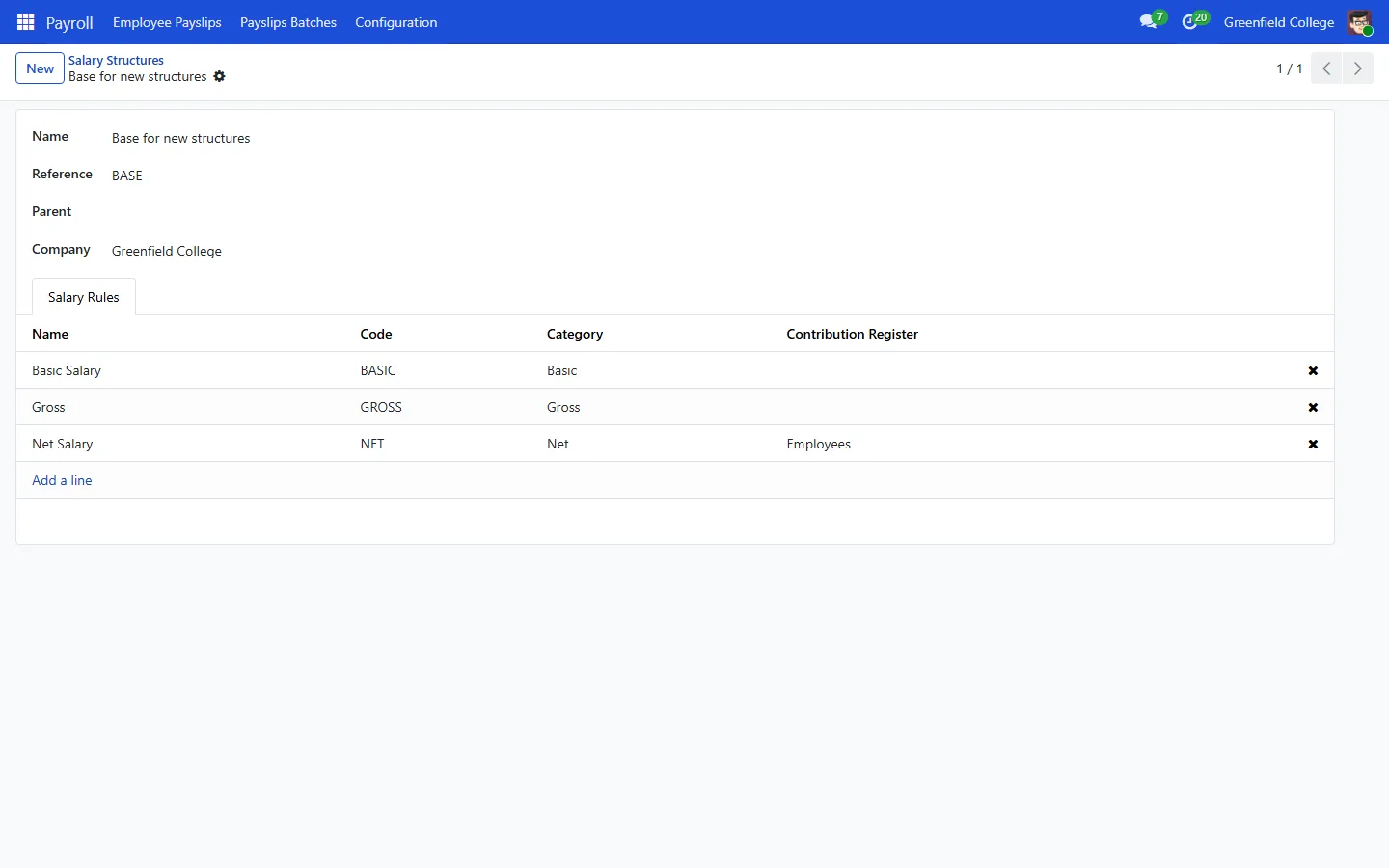
- Go to Payroll, Configuration, Salary Structures. ICTERP starts you off with basic, gross and net rules.
- Add rules for your allowances and deductions under Salary Rules, for example house rent as a percentage of basic, then add them to the structure.
2. Wage and structure for each employee
Open the employee in Employees and, on the Payroll tab, set the contract start date, the wage and the salary structure.
3. Payslips
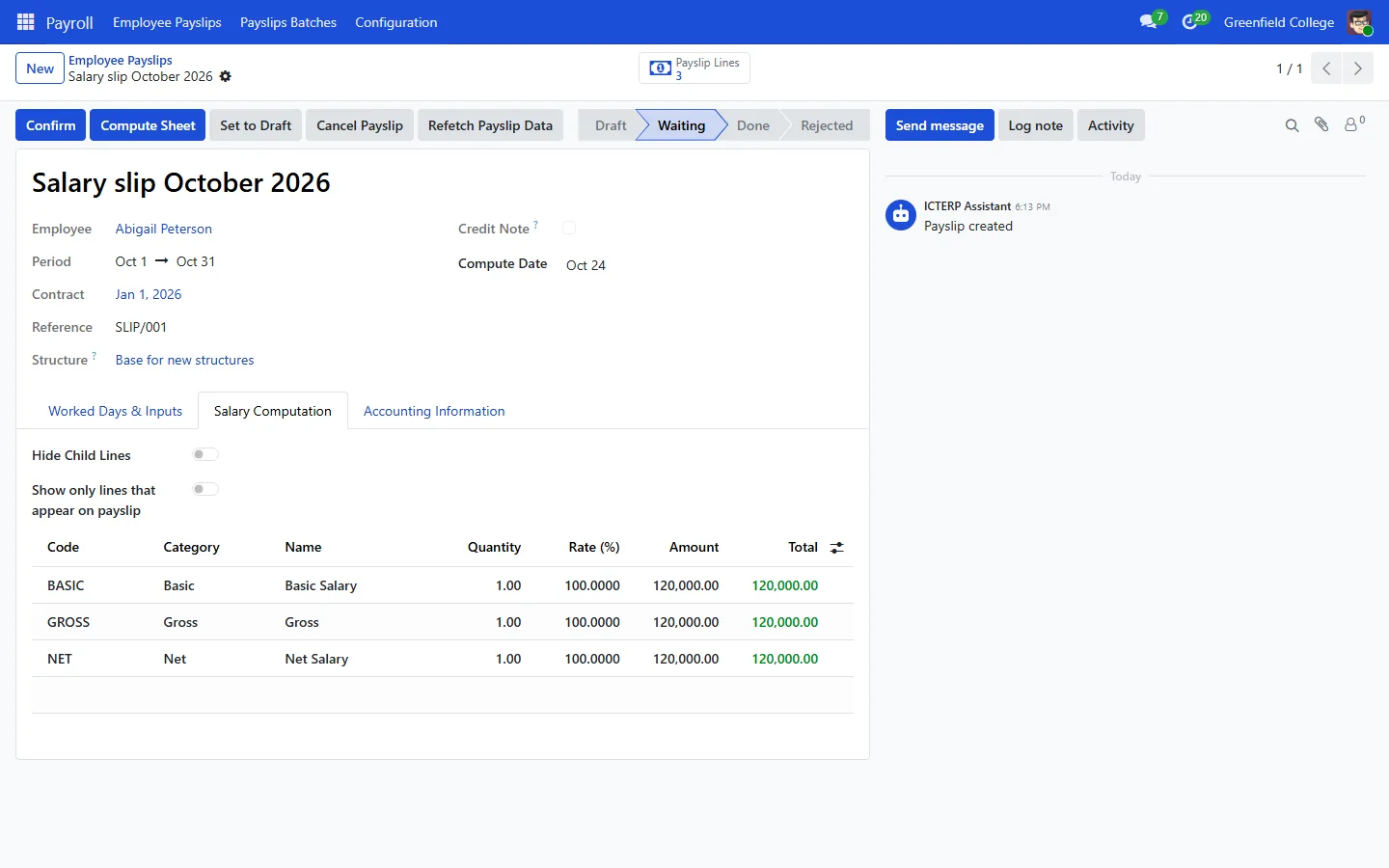
- Payroll, Employee Payslips, New. Pick the employee and the period.
- Press Compute Sheet. The Salary Computation tab shows every line.
- Check it, then press Confirm.
Monthly batches
For everyone at once, go to Payslips Batches, create the month, press Generate Payslips and pick the employees. Check the payslips, then press Close Batch.
Country tax tables, provident fund and similar rules are added as salary rules when we set up your server. Payslips do not post to accounting yet.